How to Install an Ecobee Smart Thermostat Premium
If you’re wondering how to install an Ecobee Smart Thermostat Premium, you’re in the right place. This setup can seem tricky at first, but with the right steps, you’ll have it running smoothly in no time.
By the end, you’ll know how to ensure your system is compatible, connect the wires correctly, and get your smart thermostat up and running with the app.
Check Your System for Smart Thermostat Premium Compatibility
Most 24VAC HVAC systems are compatible with the Ecobee Smart Thermostat Premium, including conventional furnaces, heat pumps, and boilers. However, you should not rely solely on your existing thermostat to determine compatibility. Instead, examine your HVAC control board and take a clear photo of it. You’ll need wiring diagrams to identify your terminals accurately. Confirm that you have a C-wire for continuous power; if you do not, the included Power Extender Kit can provide a solution. For a smart thermostat upgrade, professional installation may be recommended to ensure proper wiring and system compatibility. When choosing a window unit as an alternative, reviewing top picks for cool comfort can help you find the right fit for supplemental cooling needs.
For heat pumps, look for labels indicating “heat pump” rather than relying on wire colors, as the Premium supports up to two stages of heat pump and two stages of auxiliary heat. Be sure to verify the staging and avoid mismatches by checking aux heat stages before installation. Use Ecobee’s online Compatibility Checker to get a final confirmation, and remember that any C-wire for boilers should originate from the air handler, not the boiler itself. Understanding what your monitor is tracking, such as particulate matter and VOCs, can help you assess whether your HVAC system is improving the overall air quality in your home.
Grab the Tools and Gear You’ll Need
To set up your Ecobee Smart Thermostat Premium, gather your tools and verify the box contents first. You’ll need a mobile phone with the ecobee app and a working Wi-Fi network. Have a drill with a 3/16-inch bit ready, along with Phillips and flathead screwdrivers. A pencil, hammer, and wire stripper are optional but helpful for wall preparation or wire trimming. Using a bedroom dehumidifier nearby can help maintain proper humidity levels during the installation process. To ensure the room air remains comfortable while working, you can also set the device to a low fan speed for gentle circulation. Choosing the right fragrance oil diffuser can also add a pleasant scent to the workspace during this project.
Check the box: you’ll find the thermostat, backplate, trim plate, colored wire labels, and a Power Extender Kit (PEK) for homes without a C wire. Drywall anchors and screws are included for proper mounting techniques. Use the trim plate to cover old holes and keep the installation neat. Wire labels help manage cables by organizing conductors as you transfer them to the new backplate, making the setup process smoother. Take a photo of the existing wiring for reference before disconnecting anything.
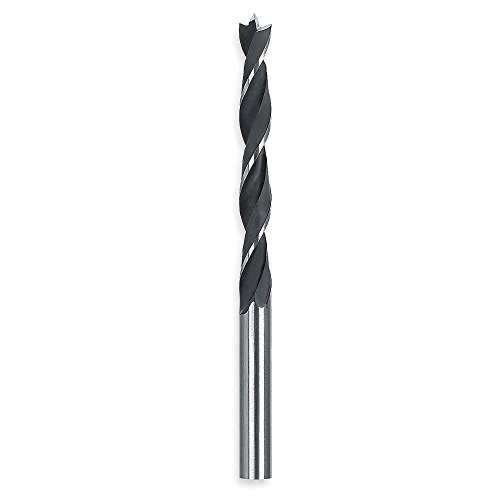
Precise cutting edges to reduce splintering

COBALT M42 DRILL BIT: Provides upgraded m42 cobalt jobber-length bits designed for durability, high heat resistance and hardened surface for stainless steel, cast iron, titanium, light-gauge metal and aluminum

PRECISION STARTS, NO WANDERING: The sharp, precision-ground brad point tip on this 3/16 In. bit bites into wood on contact. This prevents bit wandering, ensuring your holes are placed exactly where intended, a critical need for custom woodworking and assembly.
Turn Off Power and Label Your Old Thermostat Wires
Once the old thermostat’s cover is off, turn off power at the HVAC source—usually the breaker or service switch—and verify the system is completely dead. Confirm this by checking the thermostat display; if it still shows power, you haven’t isolated the right circuit. This step is crucial for safety when working with 24VAC systems. If you are unsure about this process, hiring professional help is highly recommended to ensure proper operation. For those managing basement humidity, a dehumidifier can provide crucial moisture control, but the thermostat installation remains the priority here. For homeowners who also prioritize clean indoor air, choosing a model with a HEPA filter can significantly improve air quality. Using a humidifier for laryngitis may also help soothe irritated vocal cords during installation.
Next, expose the wiring and carefully label each wire at its terminal before disconnecting it. Using painter’s tape and a marker, write down each wire’s connection point, such as R, W, G, or Y. Proper labeling prevents confusion later and ensures you can accurately connect the wires to your new Ecobee thermostat. Keep the wires from slipping back into the wall by gently securing or organizing them, making the removal process safer and more straightforward.
Wire the New Thermostat to the Backplate
Push any excess wire back into the wall to prevent strain on the connections. Use a level to ensure the backplate is straight before securing it with the provided screws. If your system does not have a C wire, use a Power Extender Kit with the PEK+ terminal as a substitute. Double-check that the wire conductors are neatly arranged and properly seated before proceeding. Ensure each wire is matched to corresponding labels like Y1, C, G, W1, and R, confirming they are securely engaged with the terminal screws. For homes with vertical window designs, selecting a compatible air conditioner can simplify installation. For humidity-sensitive environments, consider essential oil cool mist usage to maintain balanced air moisture. For equally reliable home comfort, you might explore top ceiling fans that integrate lighting for improved airflow and efficiency.

The Power Extender (PEK) is an easy, cost-effective solution for homes without a C or common wire.
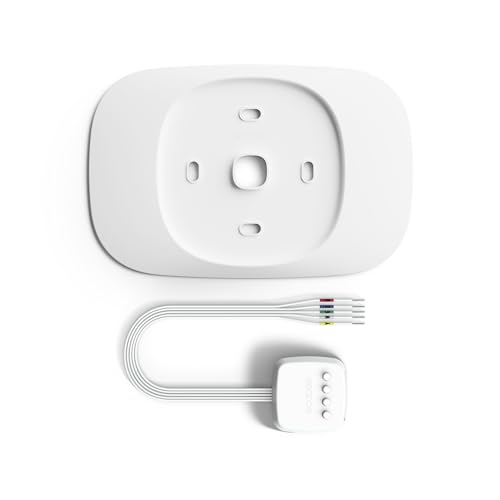
The Smart Thermostat Trim Kit is designed just for Smart Thermostat Essential as it easily covers old wiring and imperfections keeping your wall looking fresh.

【Universal Compatibility】The C-wire adapter power extension kit compatible with ecobee Premium, Enhanced, Essential, Lite, for ecobee4 and Smart Thermostats with voice control.
Power Up and Complete the App-Guided Setup
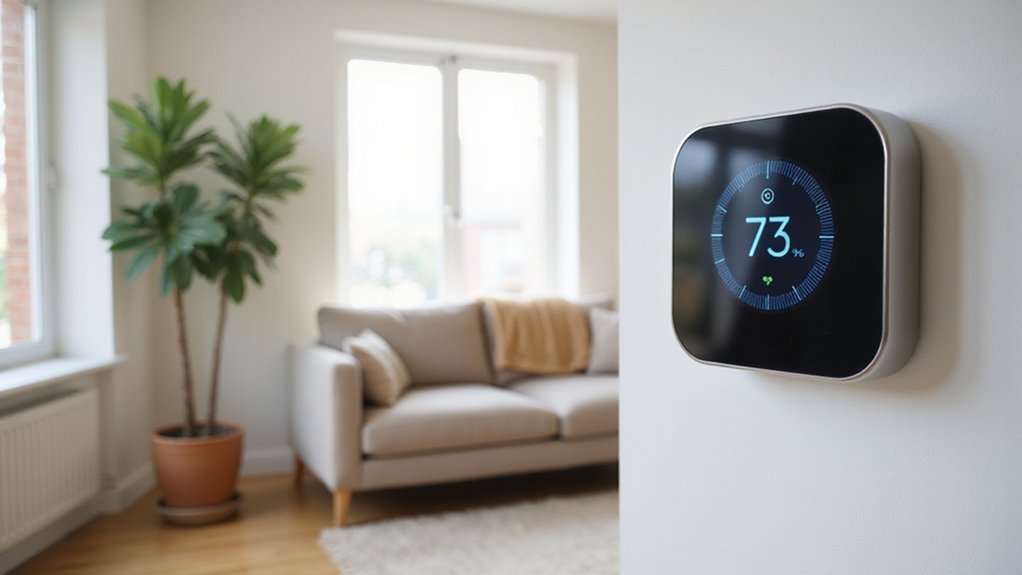
To complete the setup, first restore power to your Ecobee thermostat by flipping the breaker or master switch. Once power is restored, turn your heating and cooling system back on. Your thermostat should display a “Hi” greeting, indicating it has powered up correctly. If the screen remains off, check the wire connections, ensure the HVAC cover panel is properly closed, and verify that the R-wire is correctly connected. These steps help confirm the system has proper power and wiring before proceeding.
Next, download the Ecobee app and create an account if you haven’t already. Add your thermostat to your home profile and scan its QR code to start the guided setup process. Follow the on-screen prompts for setting the date and time, and allow the system to detect your equipment based on your wiring. The thermostat automatically identifies your system type through this process. Connect the thermostat to your home Wi-Fi network and link it to your account, enabling remote control and management. The app also prompts you about local rebate programs to stack incentives and reduce the overall system cost. For best results, consider placing a reed diffuser in the same room to maintain a pleasant scent while the thermostat optimizes your climate. To prevent issues similar to those with humidifiers, regularly clean the humidifier using a vinegar solution to avoid mold and buildup. For travelers using this thermostat in a camper, selecting a portable dehumidifier can help manage moisture levels effectively.
During setup, you can customize energy conservation settings and create a schedule that matches your daily routine directly in the app. This helps optimize your heating and cooling performance, saving energy and reducing costs. After completing the configuration, ensure the thermostat is fully seated in its base. Then, navigate to MENU > SETTINGS > EQUIPMENT > WIRING to verify that your equipment has been correctly detected. If any errors or mismatches occur, select RE-CONFIGURE EQUIPMENT to update the wiring information and resolve issues.
Connect Room Sensors and Fine-Tune Your Schedule
To connect room sensors and fine-tune your schedule, start by opening the ecobee app and selecting Add Room Sensor. Scan the QR code on the sensor, then remove the plastic tab to activate it. Make sure the thermostat stays nearby during pairing for a smooth connection. After pairing, give each sensor a clear name—such as “bedroom” or “office”—and assign it to your preferred comfort settings like Home, Away, or Sleep. For improved bedroom comfort and health, maintaining balanced humidity levels can further enhance your sleep environment, so consider pairing your smart thermostat with a top-rated humidifier for consistent moisture control. You can also achieve better aromatic balance by using the correct number of drops in a nearby diffuser to complement the climate.
Proper sensor placement is key for accurate readings. Mount sensors about 4 to 5 feet high, away from windows, drafts, and direct sunlight that could skew temperature data. Position them in areas where you spend a lot of time for more reliable readings that better reflect the actual comfort zone. For best results, install away from doors and exterior walls to prevent false readings from outside air.
To optimize your schedule, configure your thermostat to rely on different sensors at different times. For example, use the downstairs sensor during the day for general comfort and switch to the bedroom sensor at night to ensure a cozy sleeping environment. Adjust sensor assignments seasonally to maintain the ideal temperature and enhance efficiency by preventing unnecessary heating or cooling.